Press kit.
Everything here may be used to write about Prismark: the icon, the screenshots and the text. The download holds the icon, screenshots with and without device frames, and a fact sheet.
Facts
- Name
- Prismark
- Developer
- Zachary Coleman, independent
- Devices
- iPhone, iPad and iPhone Duo
- Requires
- iOS 26 or later
- Category
- Productivity
- Released
- October 14, 2026
- Account
- None needed. Voices run on the device and work offline.
Description
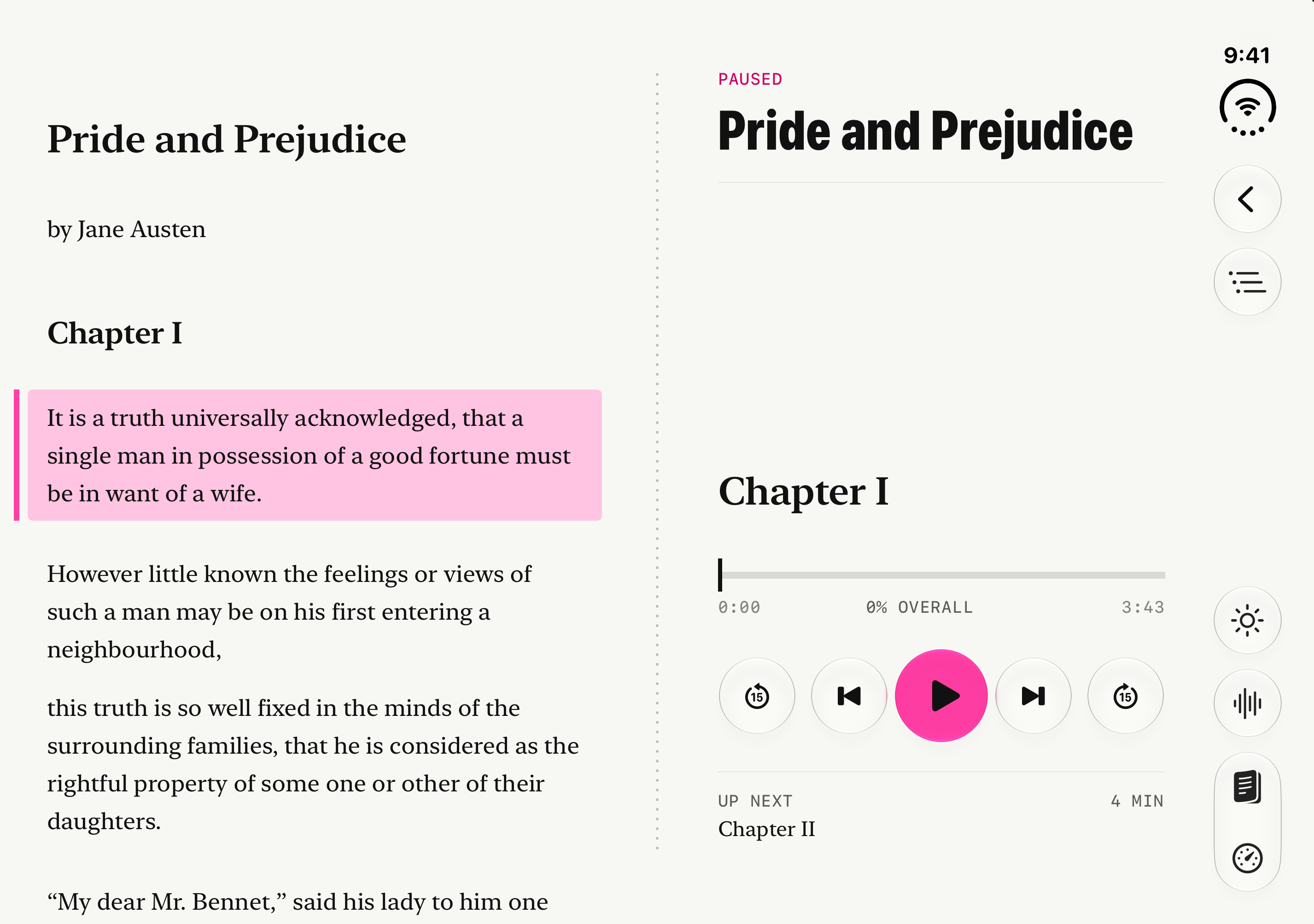
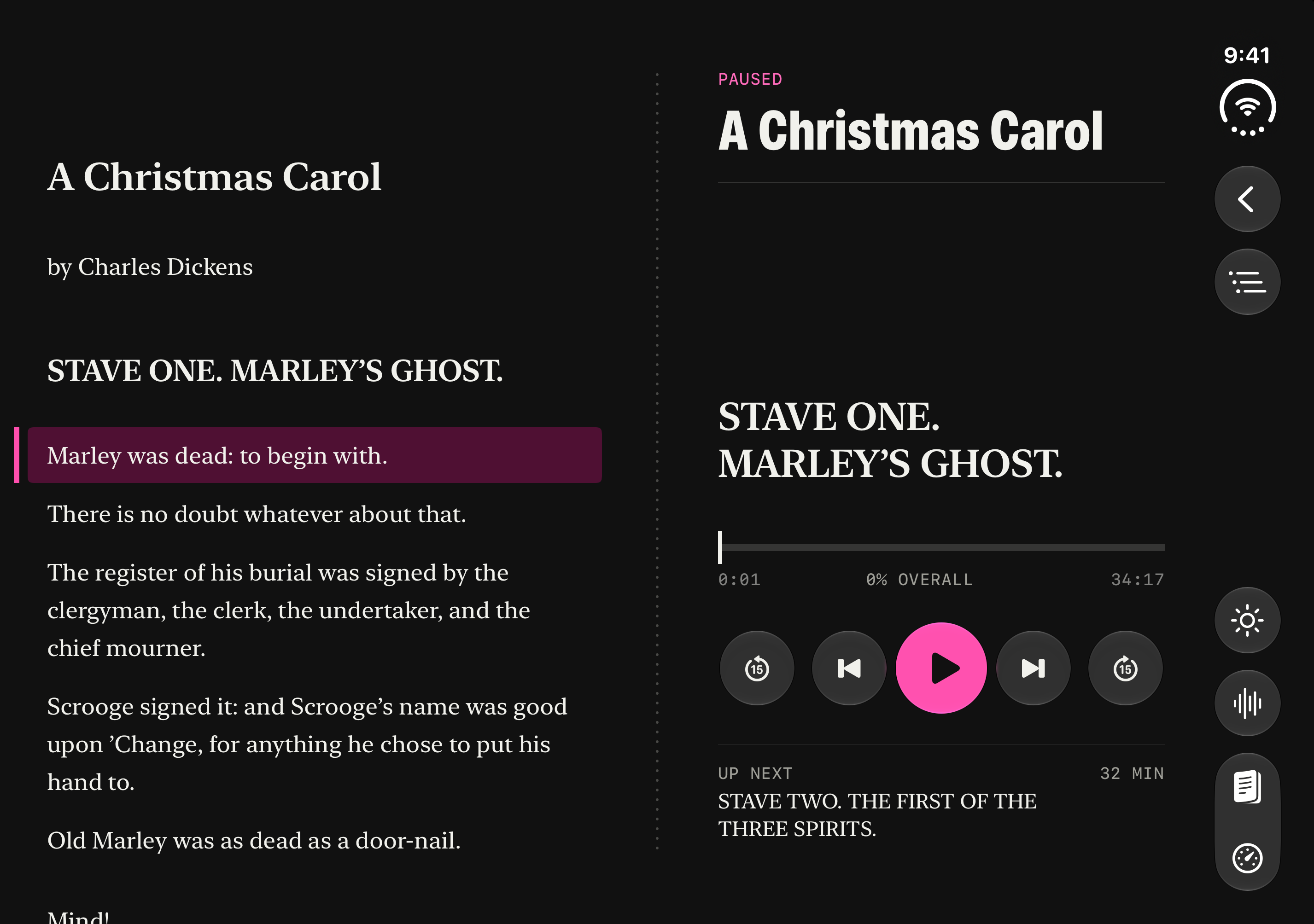
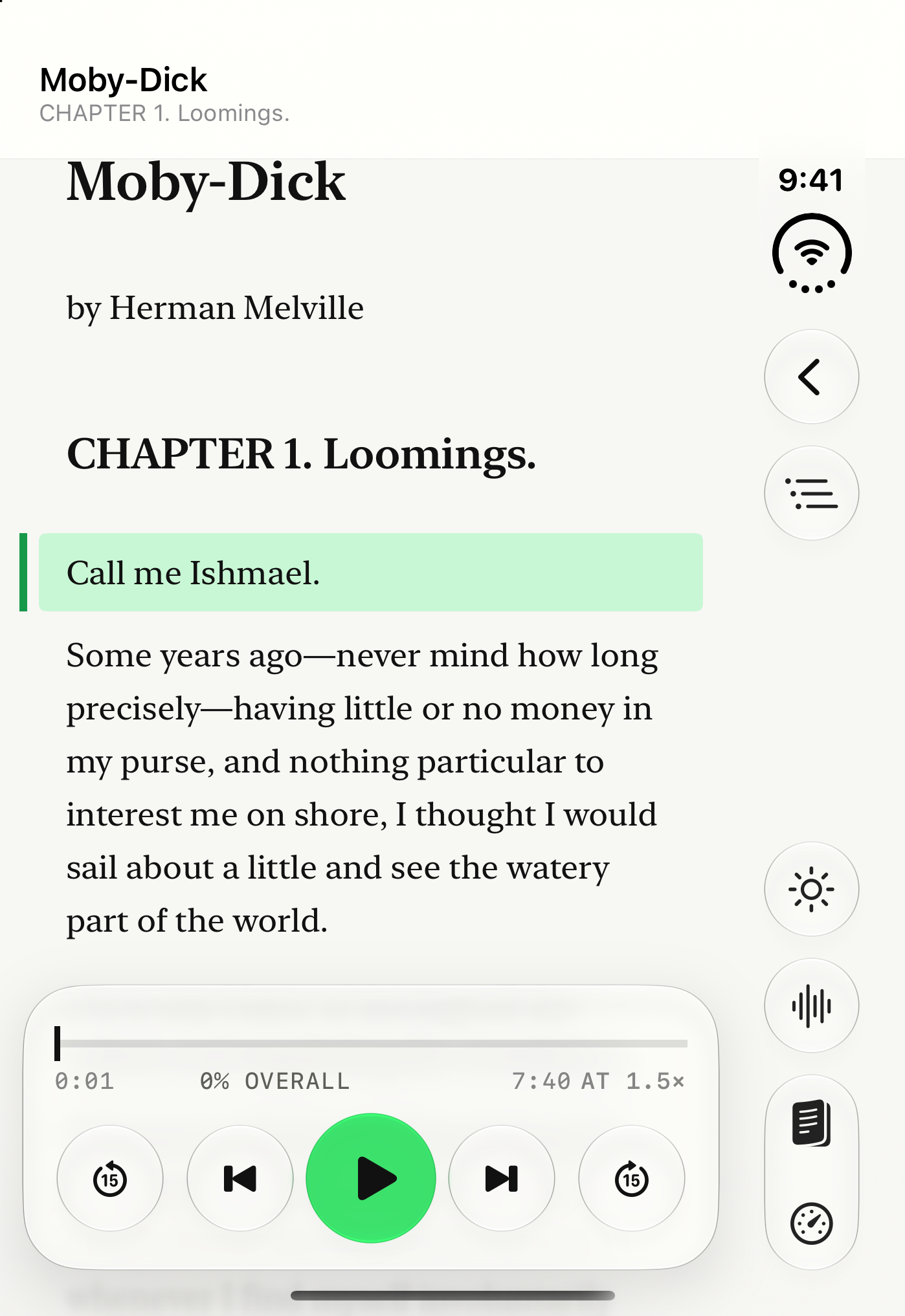
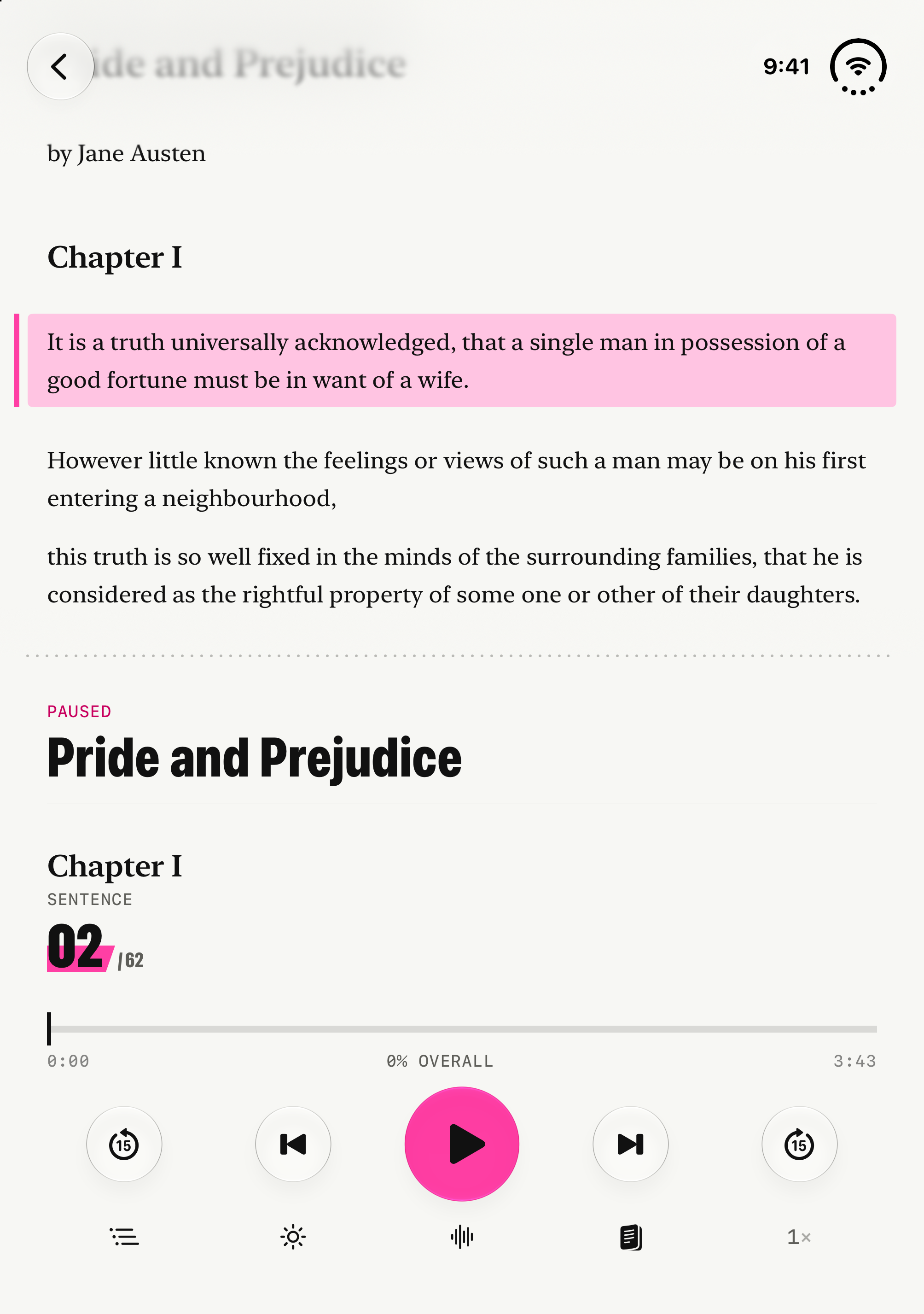
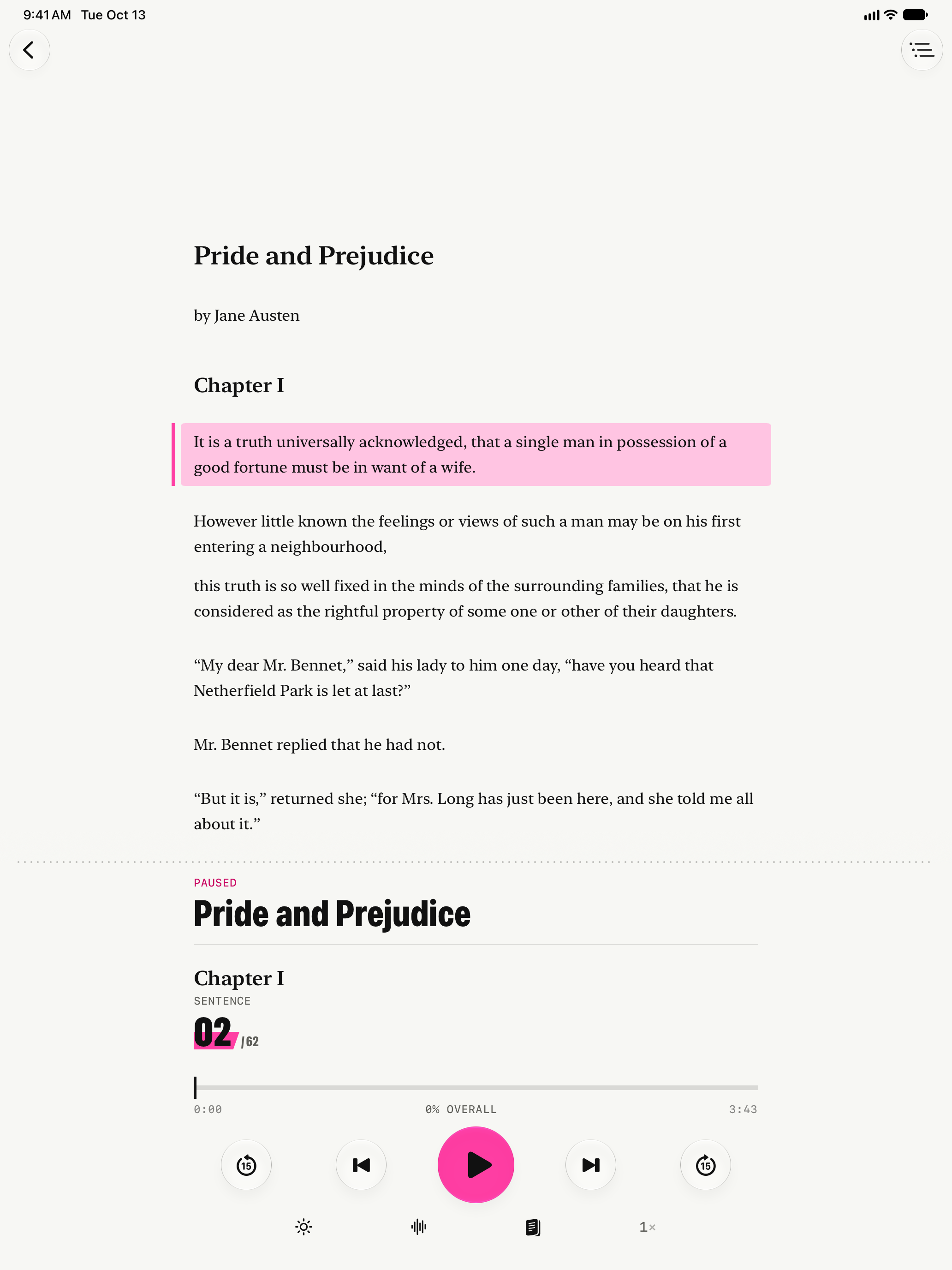
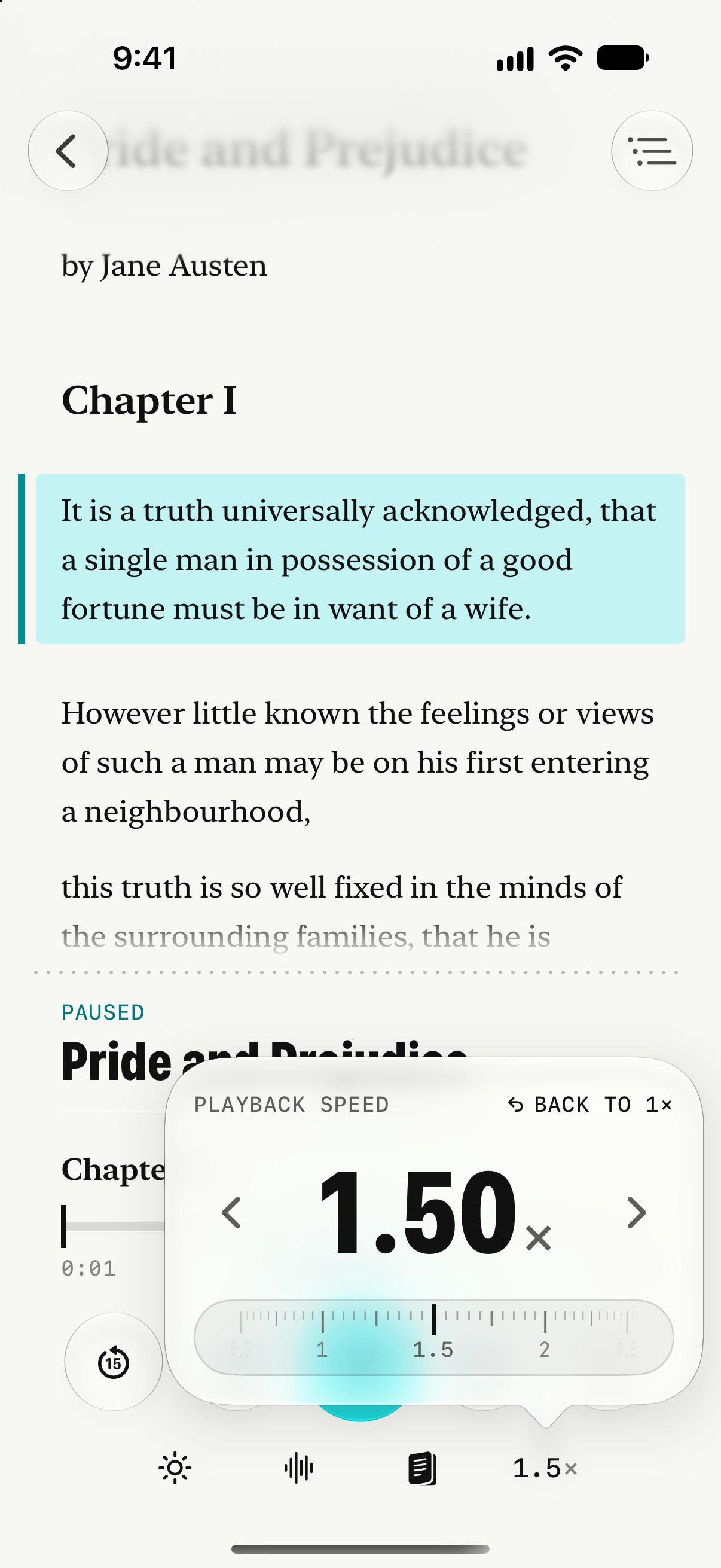
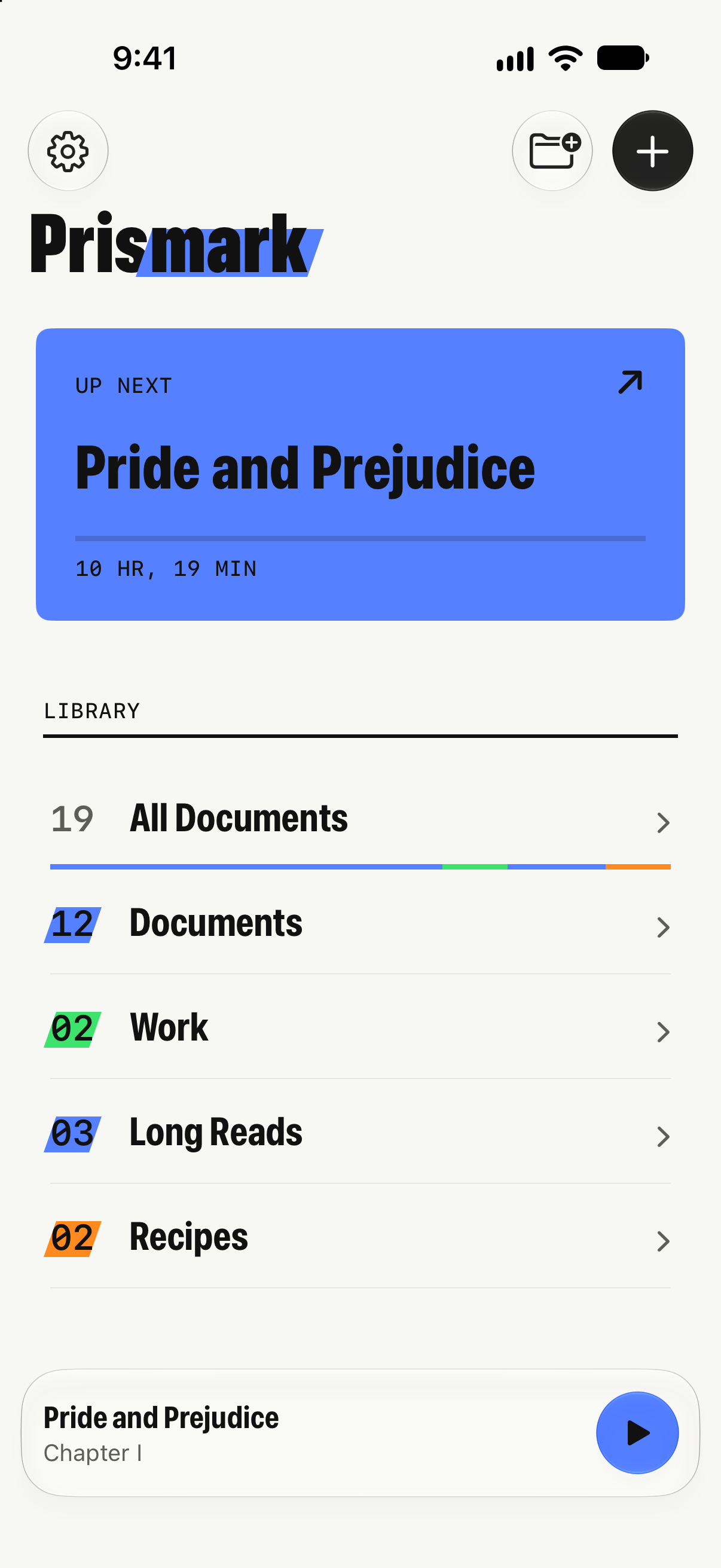
Prismark is a listening app for iPhone, iPad and iPhone Duo. Save an article from the web, open a PDF or a book, and press play. Prismark reads it aloud with natural voices that run on the device, and marks each sentence as it goes, so you never lose your place. Tap any sentence to jump to it, move between chapters in longer books, and keep listening with the screen locked. On iPhone Duo it opens like a book, with the text on one page and the player on the other, and keeps playing on the cover when you close it.
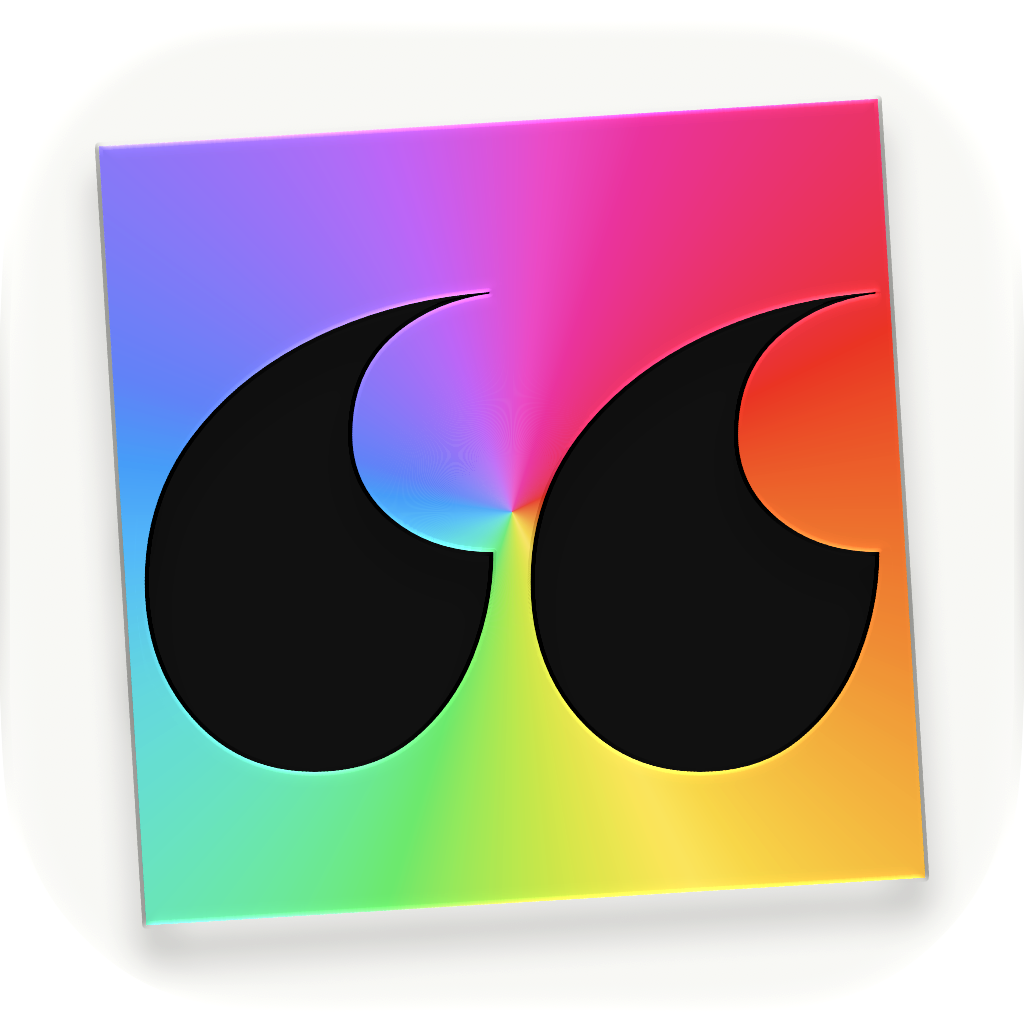
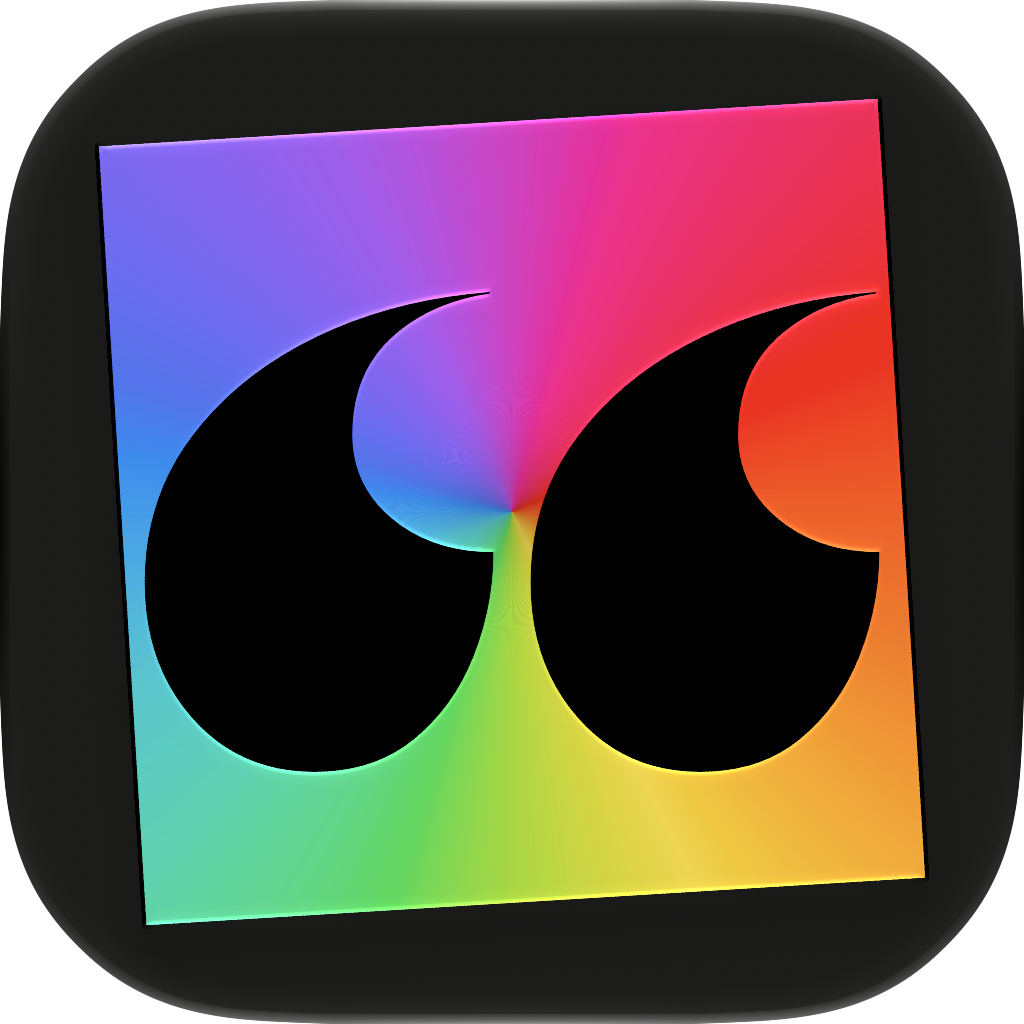
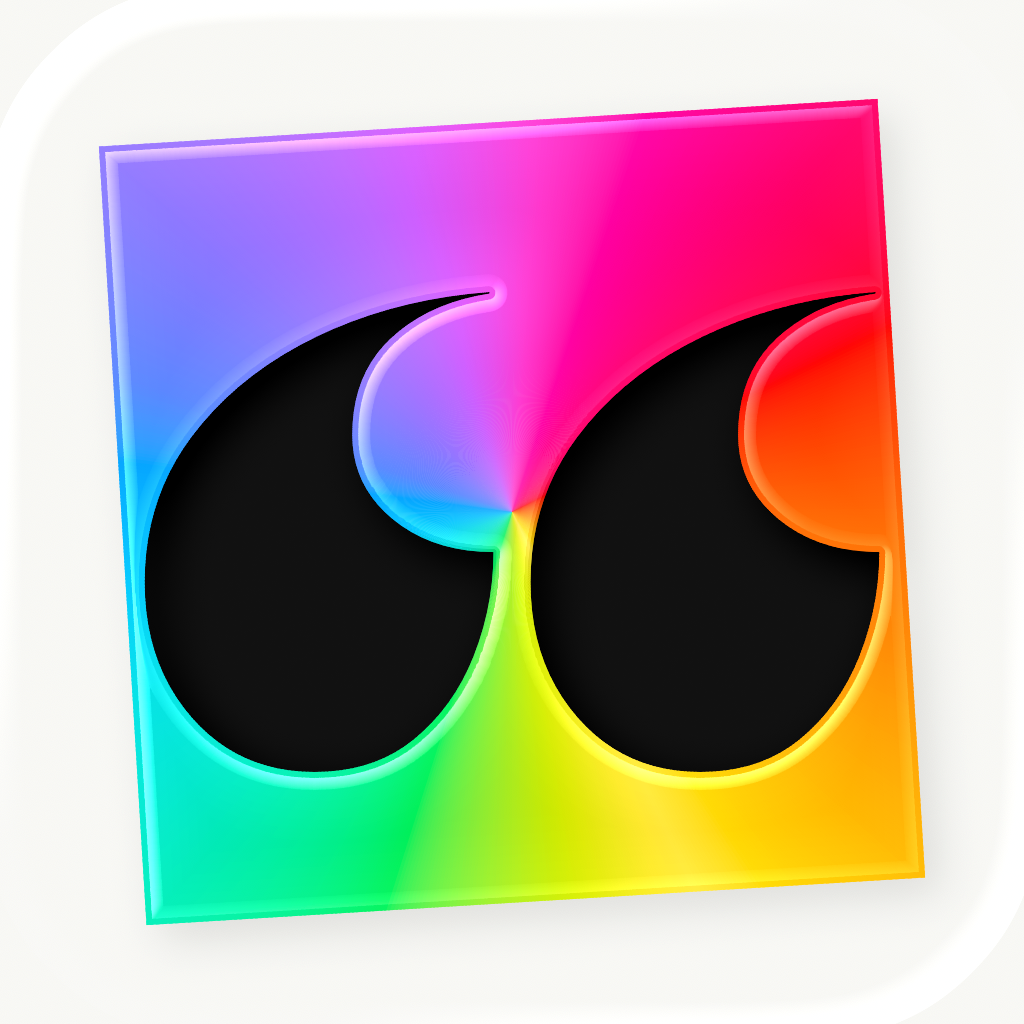
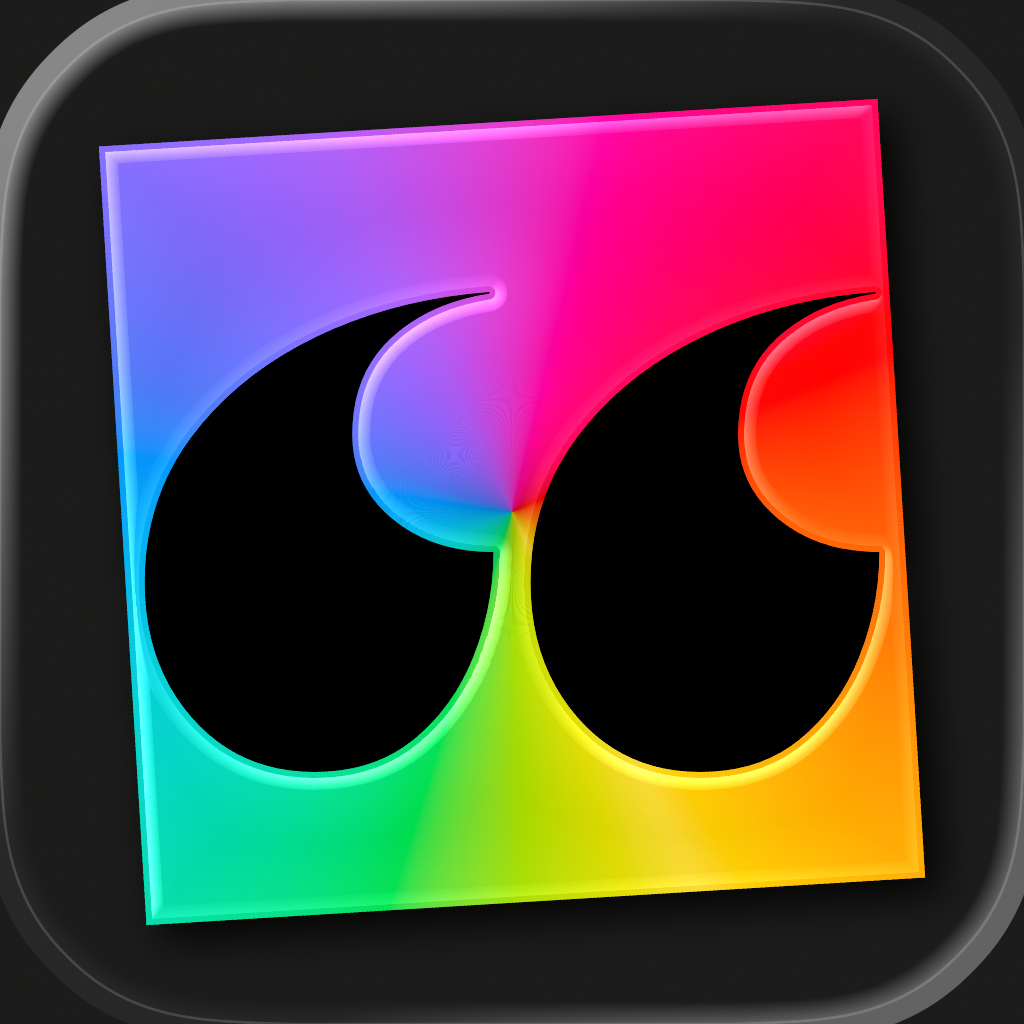
App icon
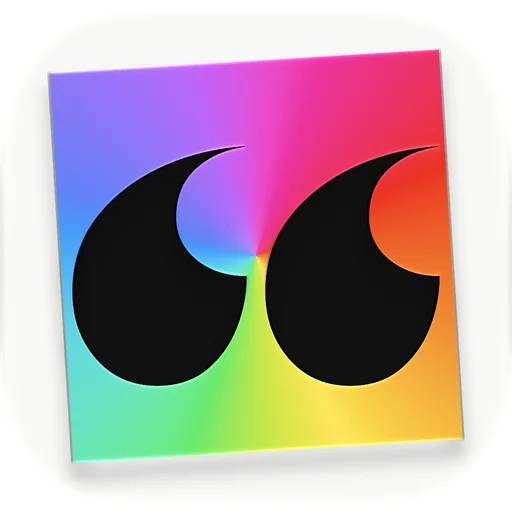
Transparent around the rounded shape. Also as a square, the way it’s supplied to the App Store: light, dark.
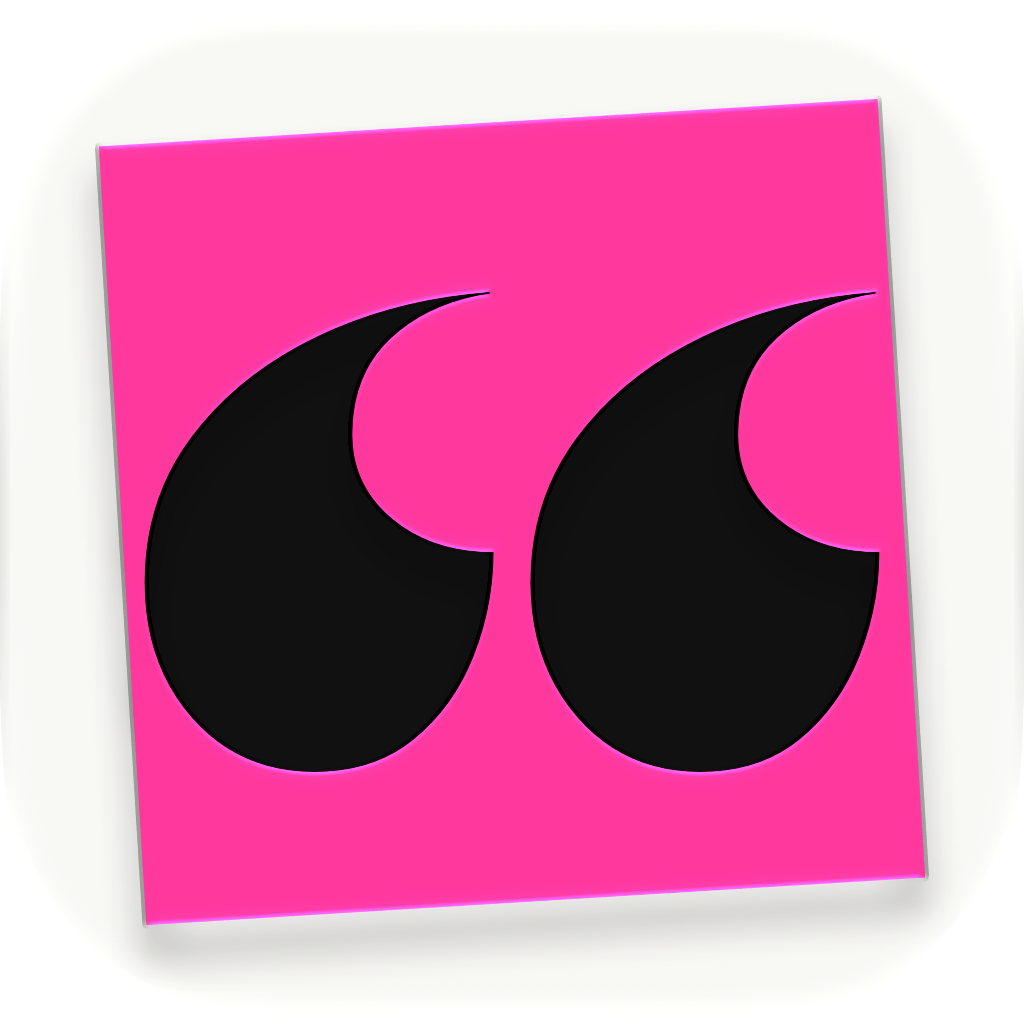
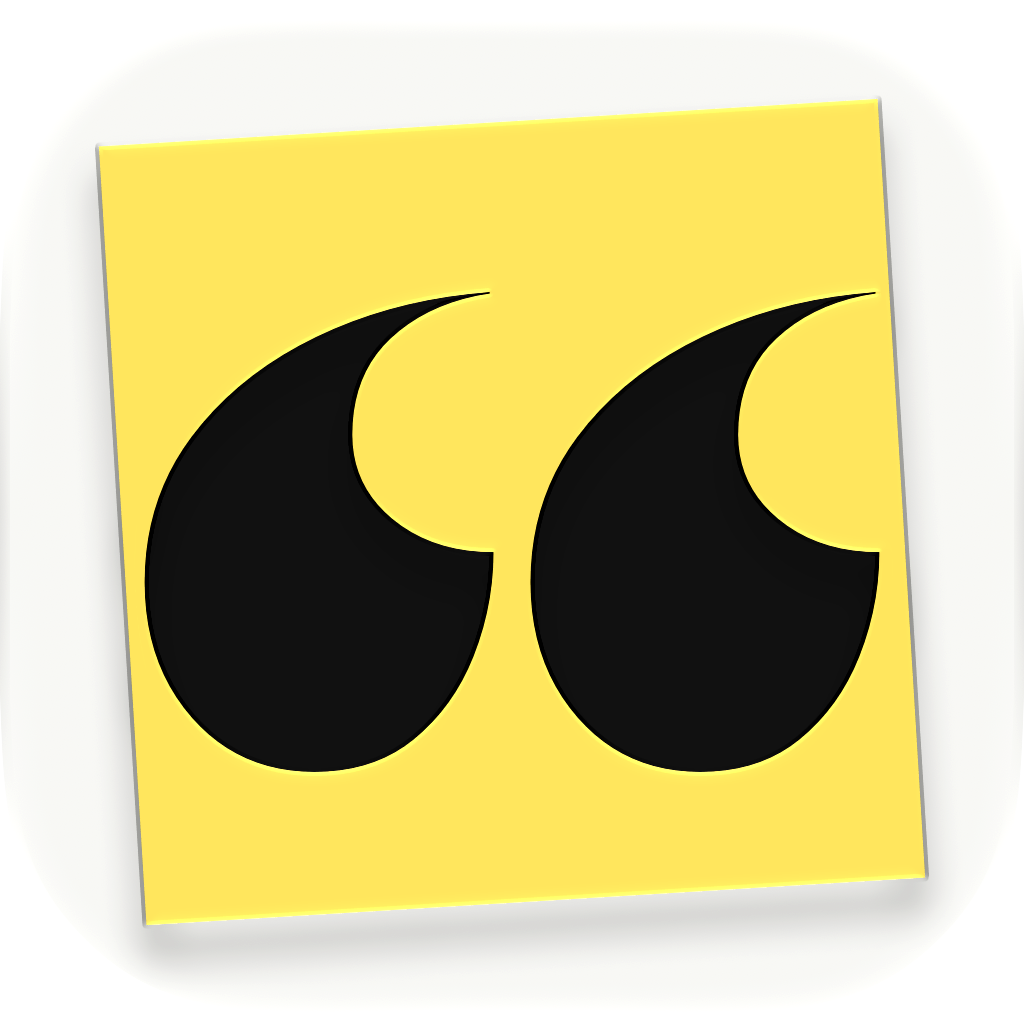
Alternate icons
Three of the eight colors people can choose in the app. 1024 × 1024 PNG, also available as squares.
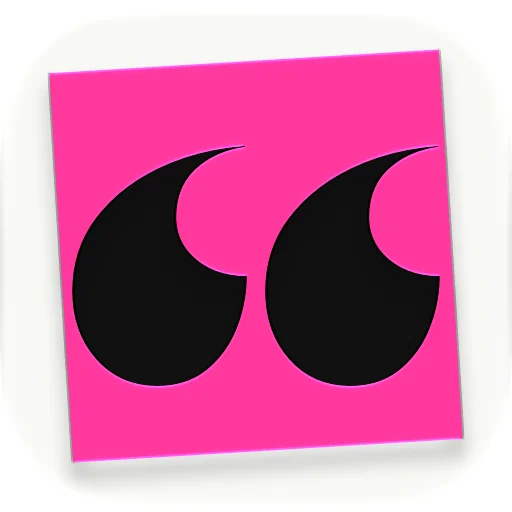
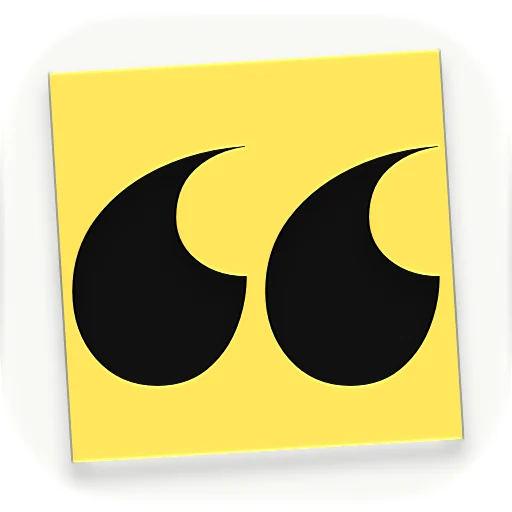
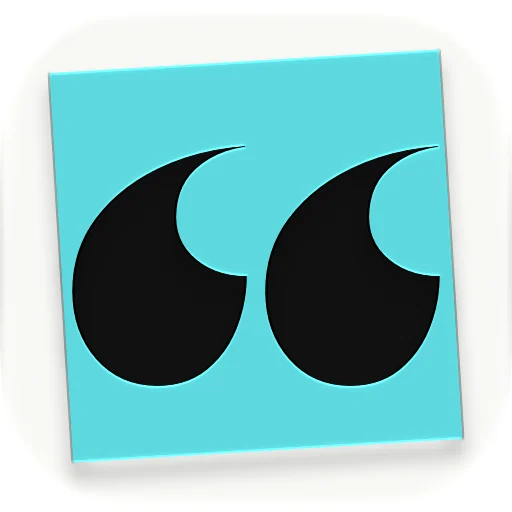
Squares: Pink light and dark, Yellow light and dark, Turquoise light and dark.
Screenshots
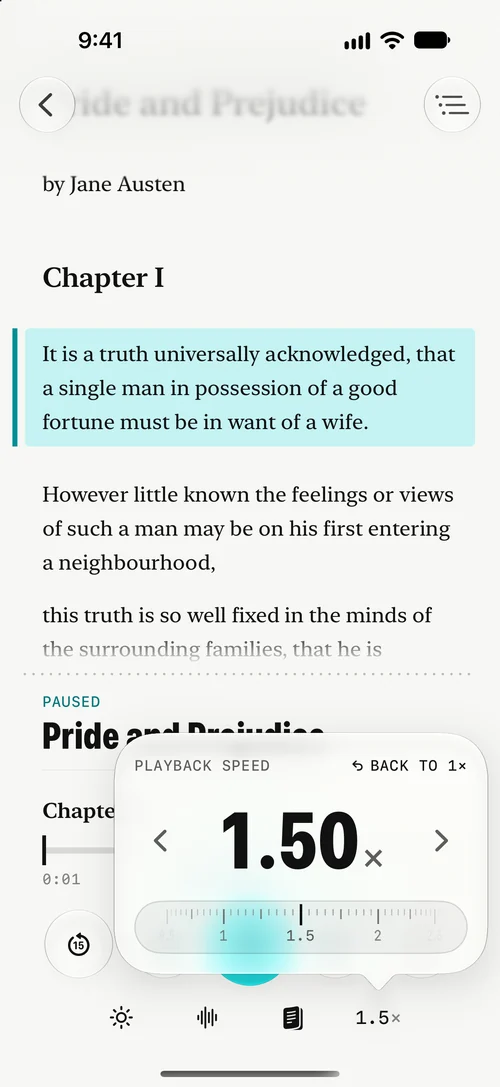
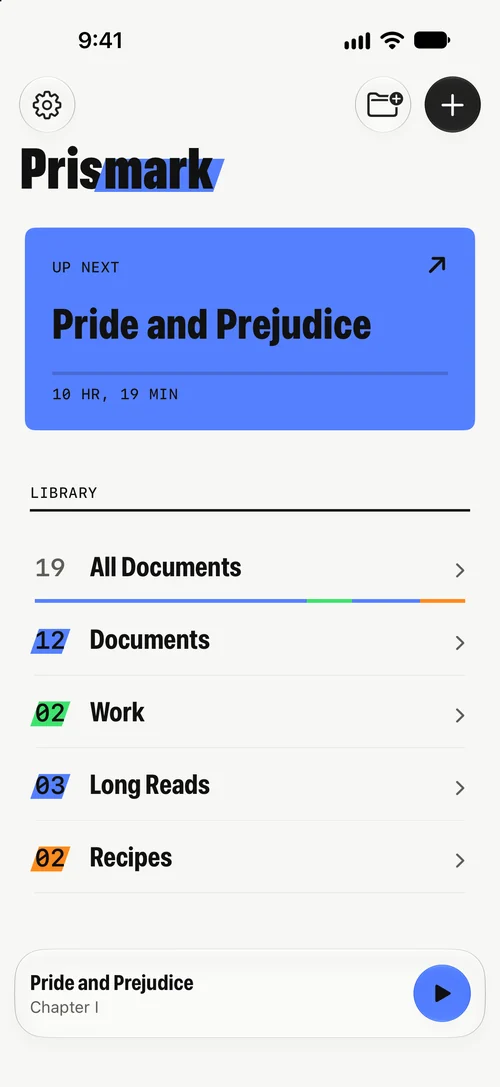
All screenshots ZIP, 6.5 MB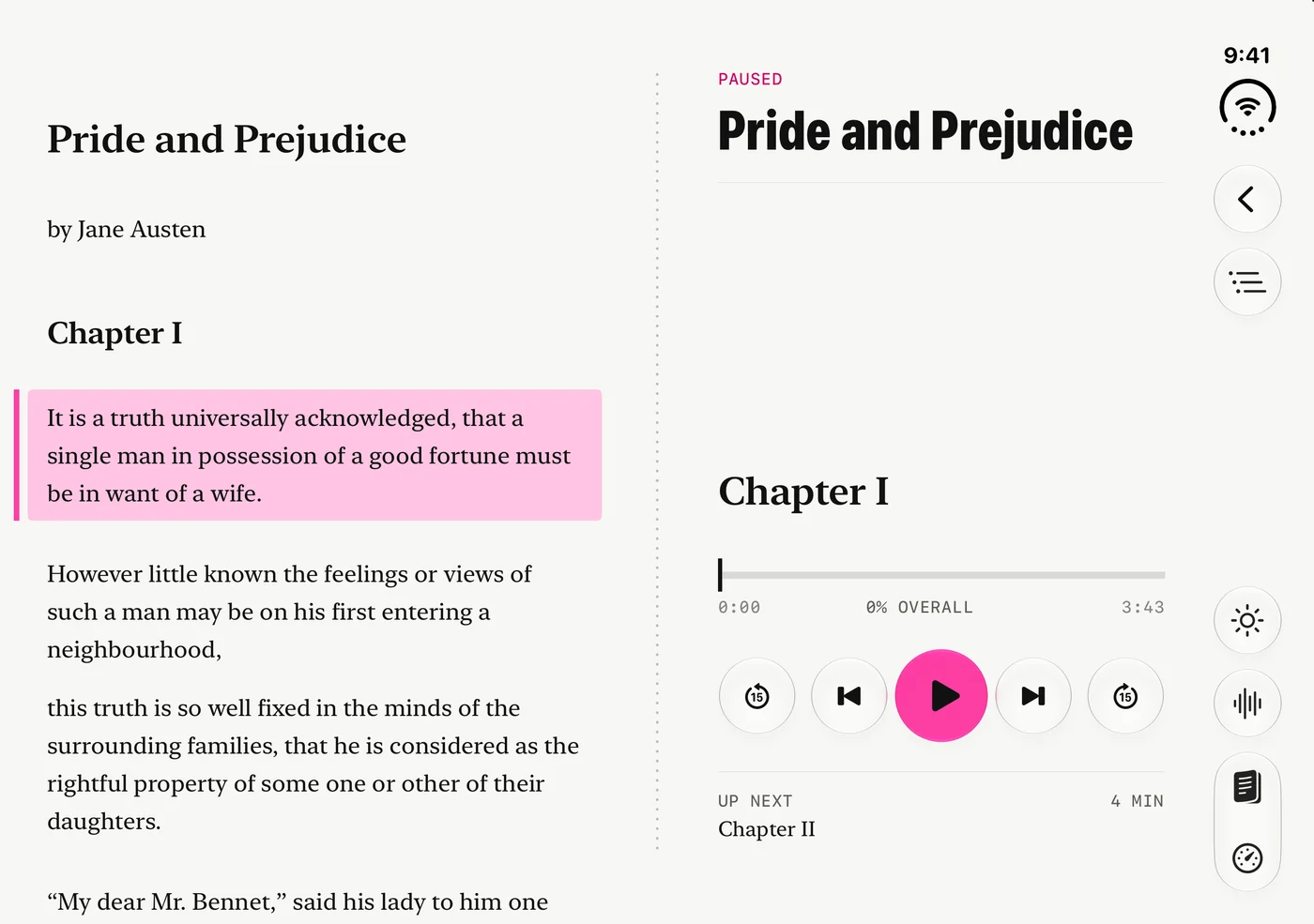 iPhone Duo, openPNG, 2853 × 2007
 iPhone Duo, open, darkPNG, 2853 × 2007
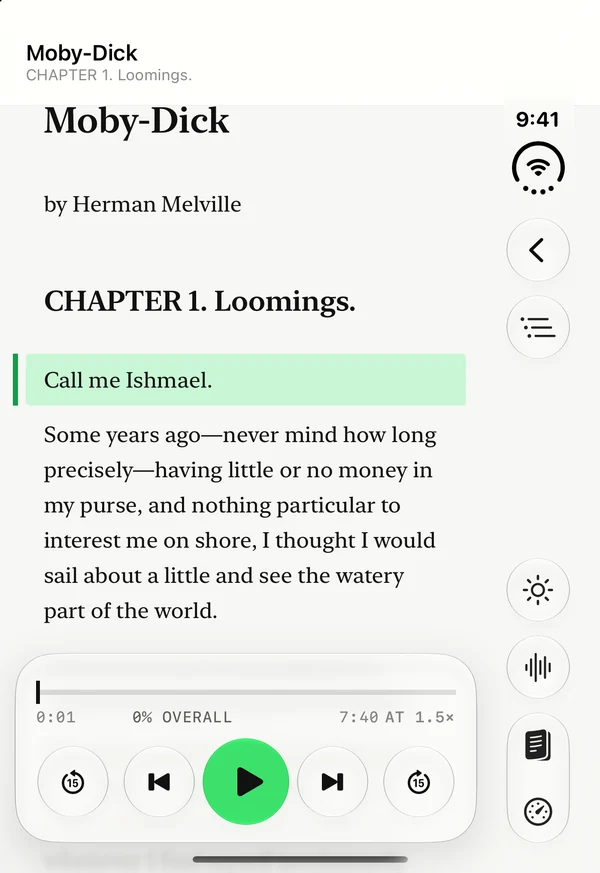 iPhone Duo, coverPNG, 1398 × 2034
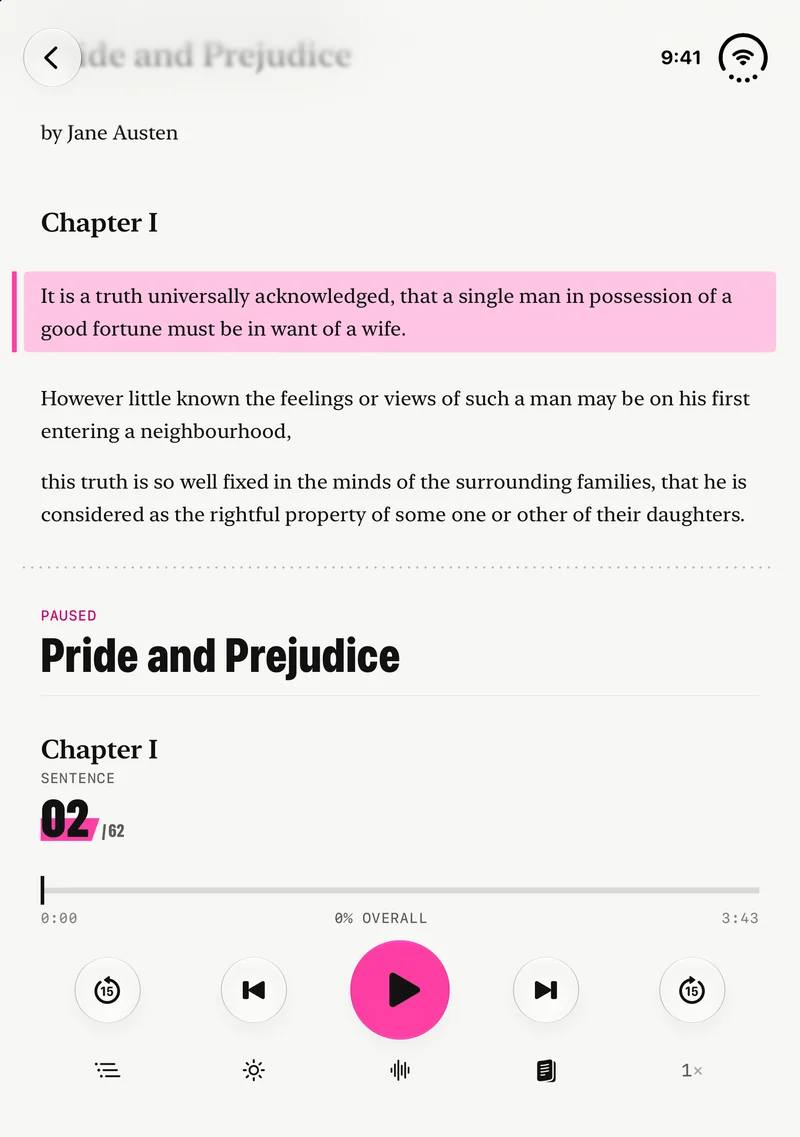 iPhone Duo, uprightPNG, 2007 × 2853
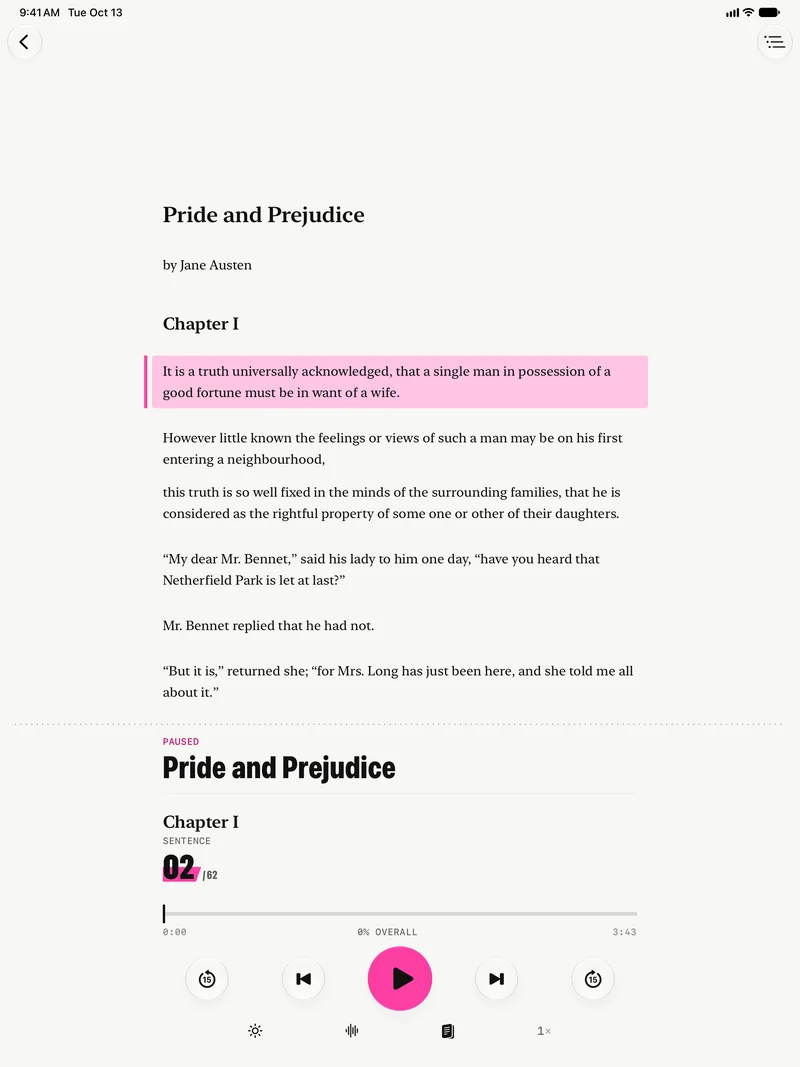 iPadPNG, 2064 × 2752
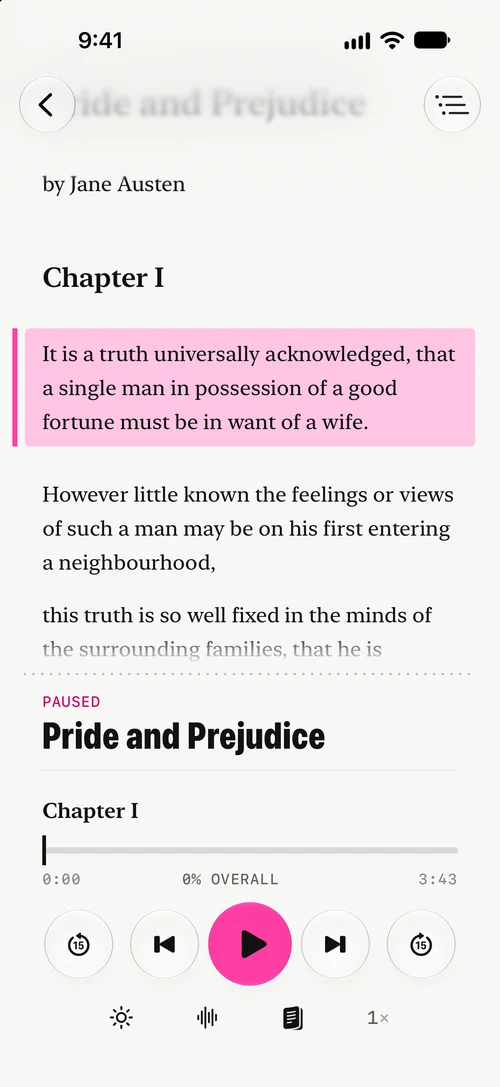
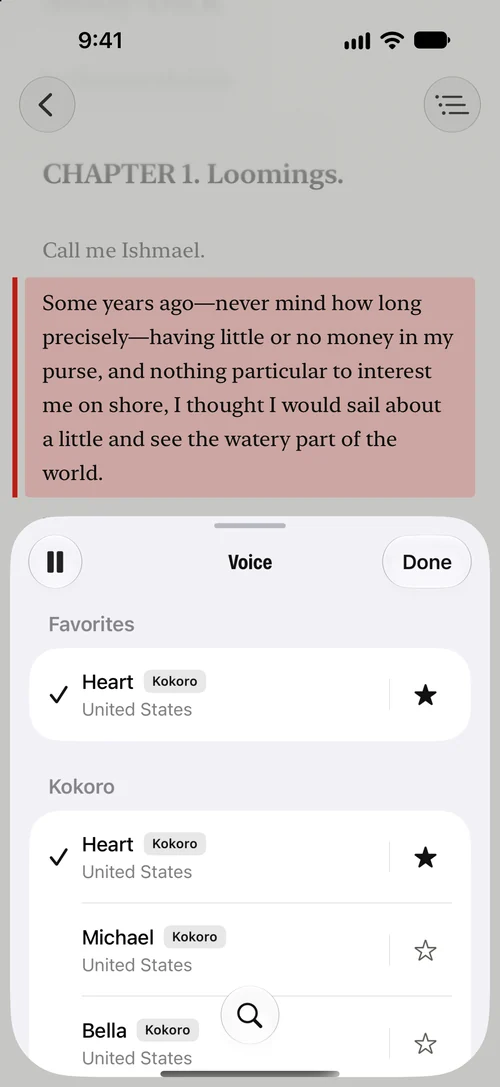

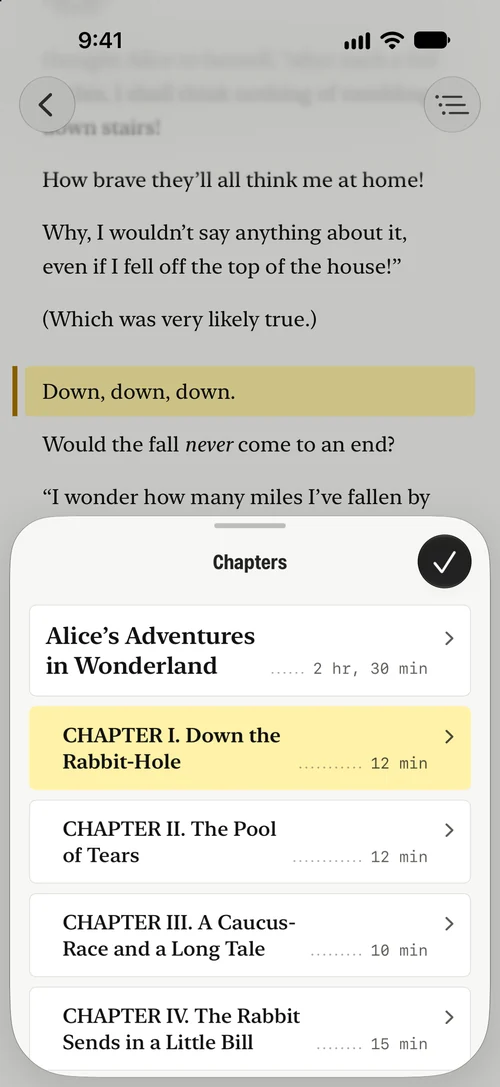



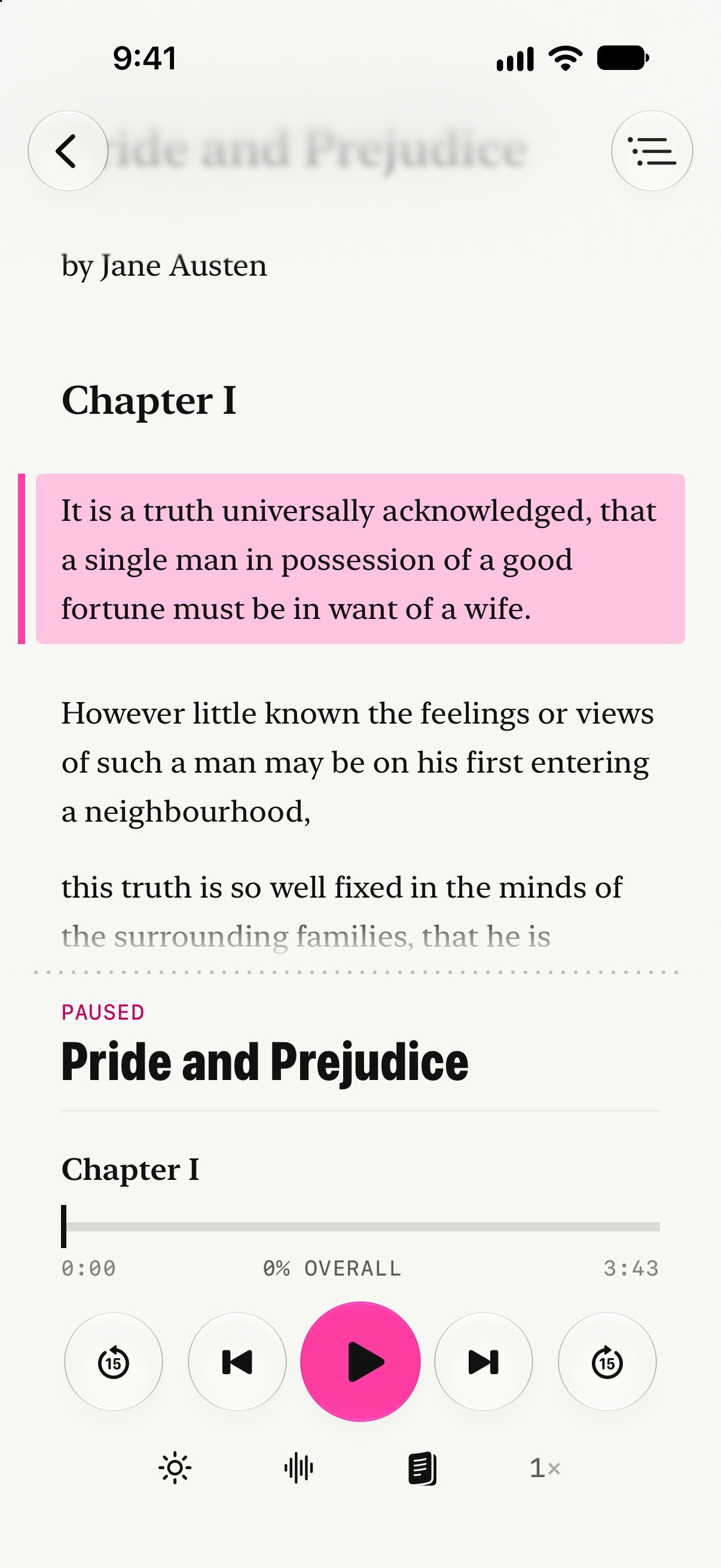
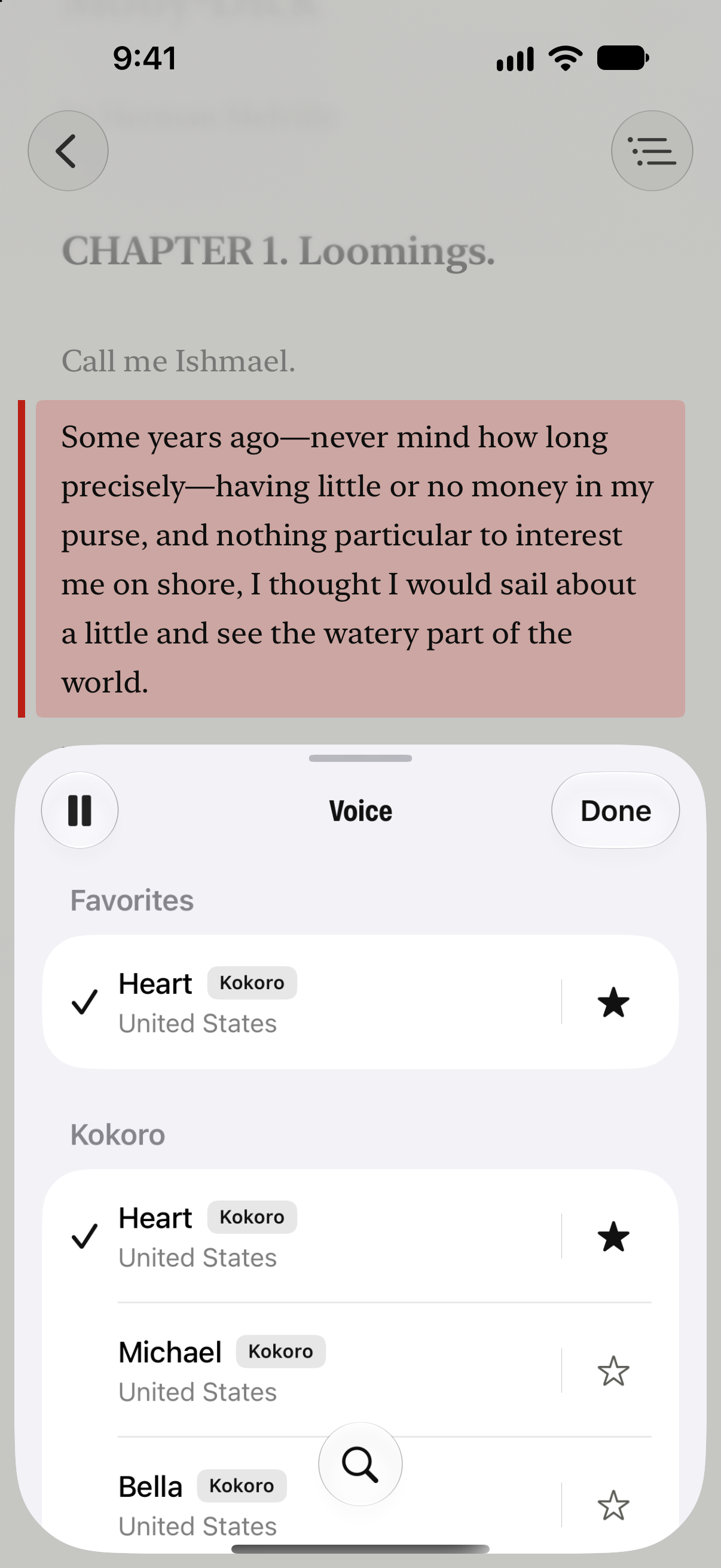
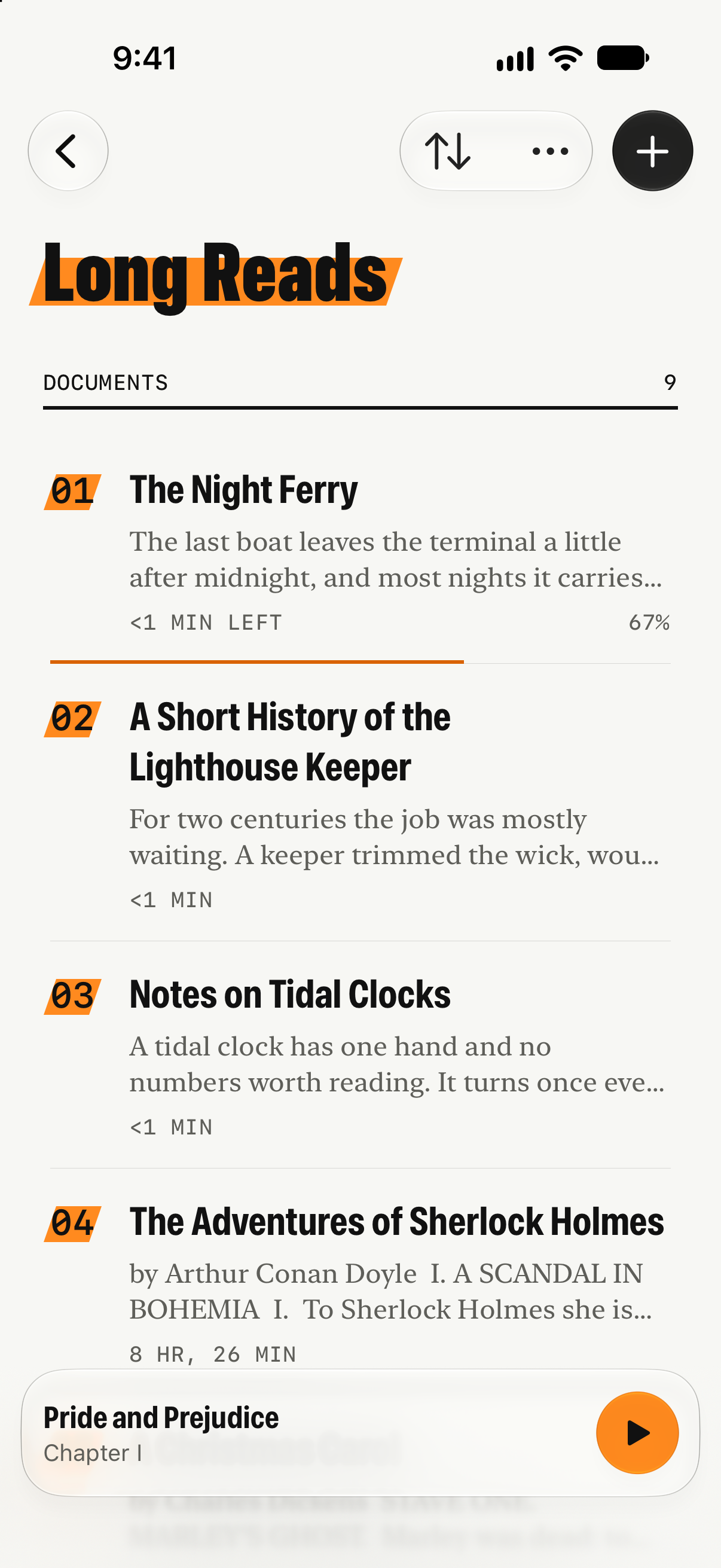
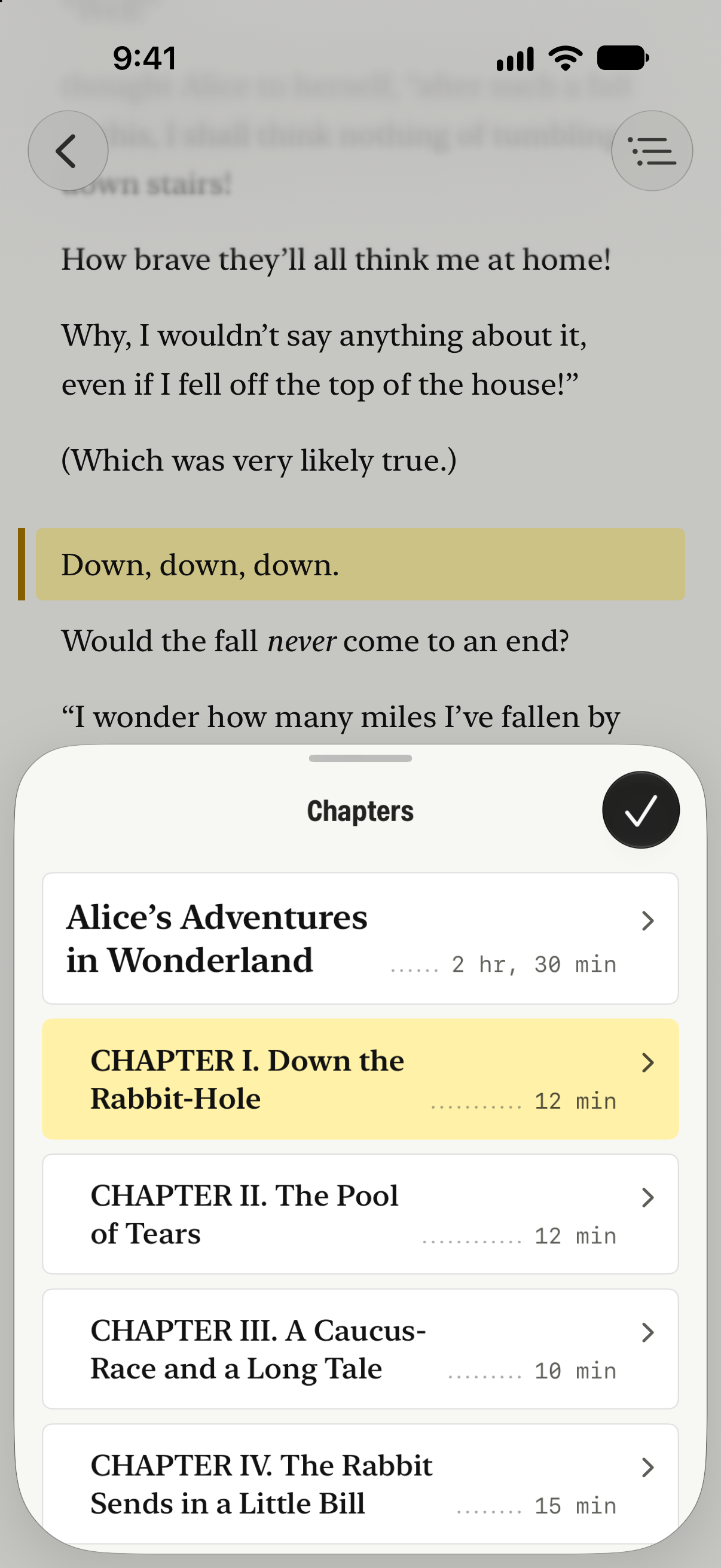
With device frames
All framed ZIP, 9.7 MBThe same screenshots in iPhone Duo, iPad Pro and iPhone 18 Pro frames.
- iPhone Duo, openPNG, 3093 × 2247
- iPhone Duo, open, darkPNG, 3093 × 2247
- iPhone Duo, coverPNG, 1574 × 2194
- iPhone Duo, uprightPNG, 2247 × 3093
- iPadPNG, 2300 × 3000
- iPhone, playerPNG, 1350 × 2760
- iPhone, voicesPNG, 1350 × 2760
- iPhone, folderPNG, 1350 × 2760
- iPhone, chaptersPNG, 1350 × 2760
- iPhone, speedPNG, 1350 × 2760
- iPhone, libraryPNG, 1350 × 2760


Using these
- Write the name as Prismark, with one capital.
- Show the icon as it is: no recoloring, cropping or added effects.
- Screenshots may be resized or cropped. Please don’t edit what’s on the screen.